The Future of Gutenberg – What’s Coming in WordPress 7.0 and Beyond
WordPress isn’t standing still. Here’s everything coming in the next few releases – and how to prepare. If you’ve followed…
Master the WordPress block editor – from basic blocks to full site editing.
This category is your complete guide to Gutenberg, the modern WordPress editor. Whether you’re a beginner learning what blocks are or a creator building entire themes without code, you’ll find step-by-step tutorials, block-by-block breakdowns, and real examples. No third‑party page builders needed – just native WordPress power.

WordPress isn’t standing still. Here’s everything coming in the next few releases – and how to prepare. If you’ve followed…
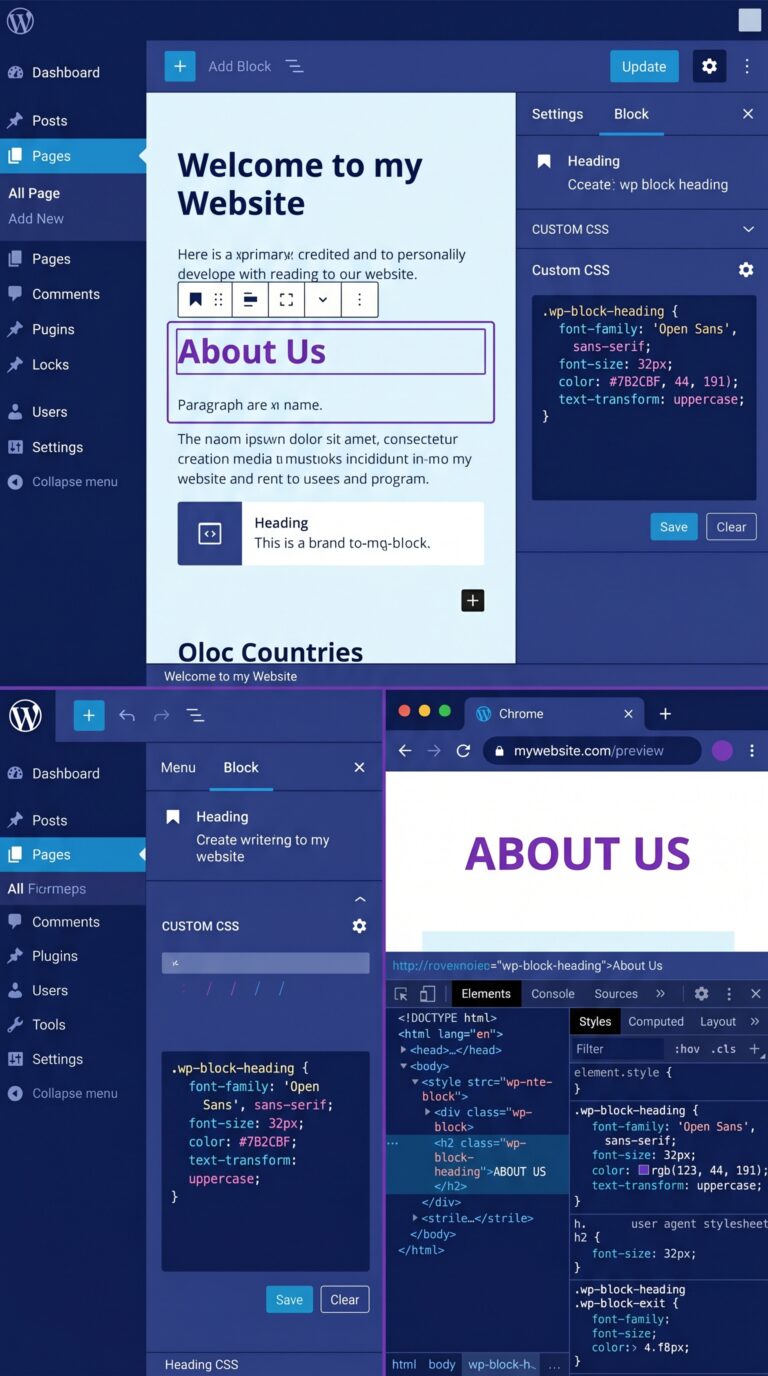
Go beyond the defaults. Customize every pixel without breaking your site. The block editor is powerful out of the box….
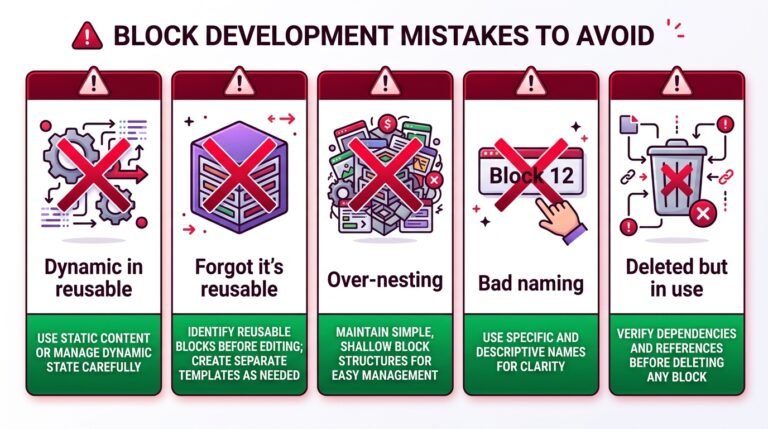
Stop building the same layout over and over. Create it once, reuse it everywhere. First, when I started using the…
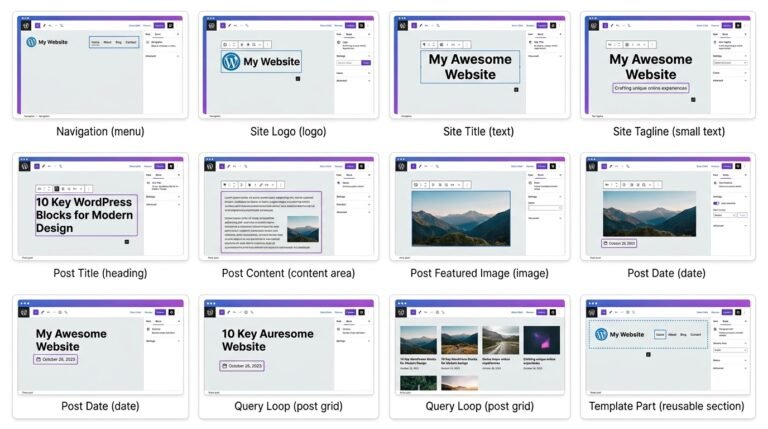
WordPress has evolved. You can now edit your entire site — header, footer, every template — right in the block…
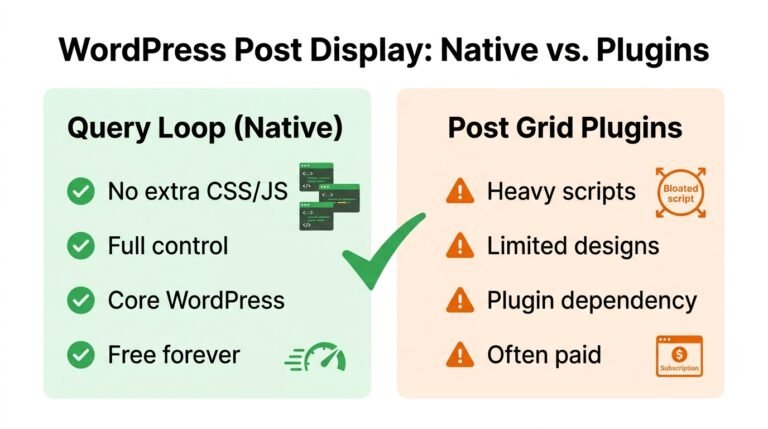
The most powerful block in Gutenberg — and the one that replaces dozens of plugins. I remember spending hours searching…
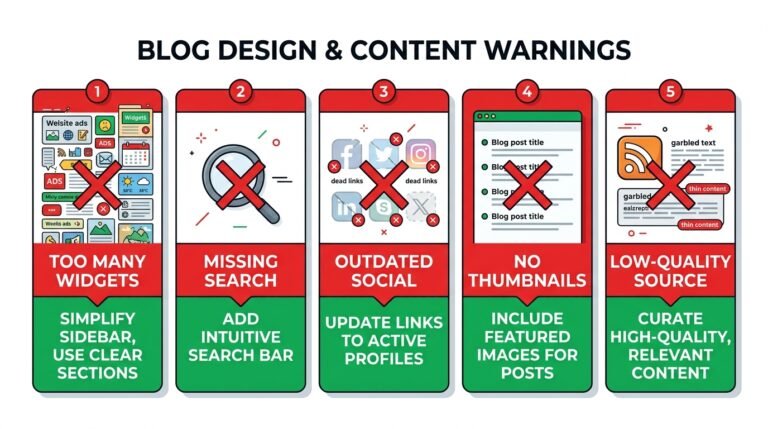
Traditional WordPress widgets have been around for years. However, in the block era, almost all classic widgets have been reimagined…
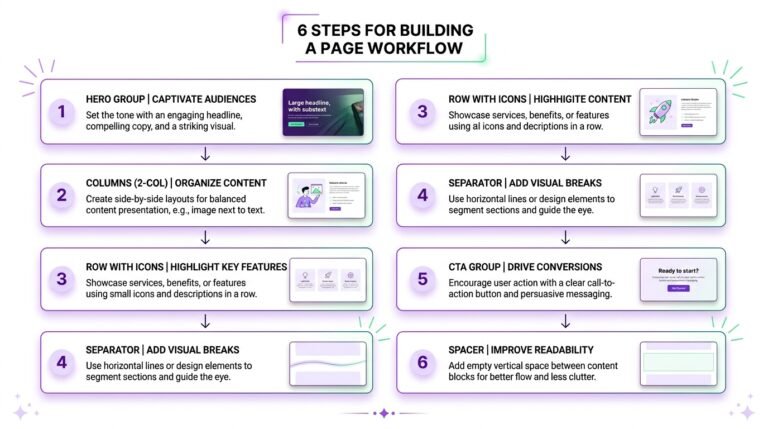
Build beautiful, complex layouts without touching a line of code. First, text and media are essential — but design blocks…
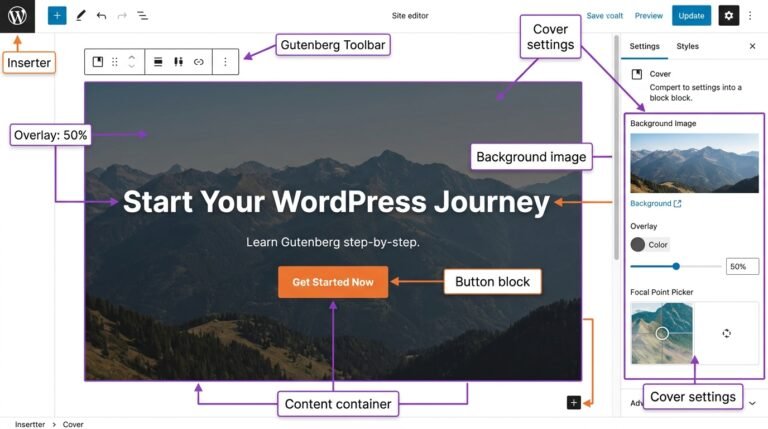
Everything you need to know about adding and optimizing media in the WordPress editor. First, text is important — but…
EasyWPKit Content Lock is a free WordPress Gutenberg block that lets you hide any content — text, images, videos, or…
Everything you need to know about every text block in the WordPress editor. In the first article of this series,…