
Two months ago, I knew almost nothing about WordPress. Then I built a working website — while working a full-time job.
I’m not a developer. I don’t know PHP or CSS. In fact, I once broke my own site by accidentally deleting the wrong file — and had to restore it from a backup at 2 AM.
But here’s what I learned: you don’t need to be technical to build a WordPress site from scratch. You need a laptop, about $15/month, and the willingness to make mistakes in public.
If you’re reading this, you’re probably where I was: you have an idea (a blog, a portfolio, a small shop), but every time you open your browser to start, you freeze. For example, you might have had the WordPress tab open for three weeks without clicking “Install.”
I’ve been there. And today I want to show you exactly how I did it — the real path, not the sanitized version.
What this guide covers:
- Why WordPress beats website builders (with real numbers)
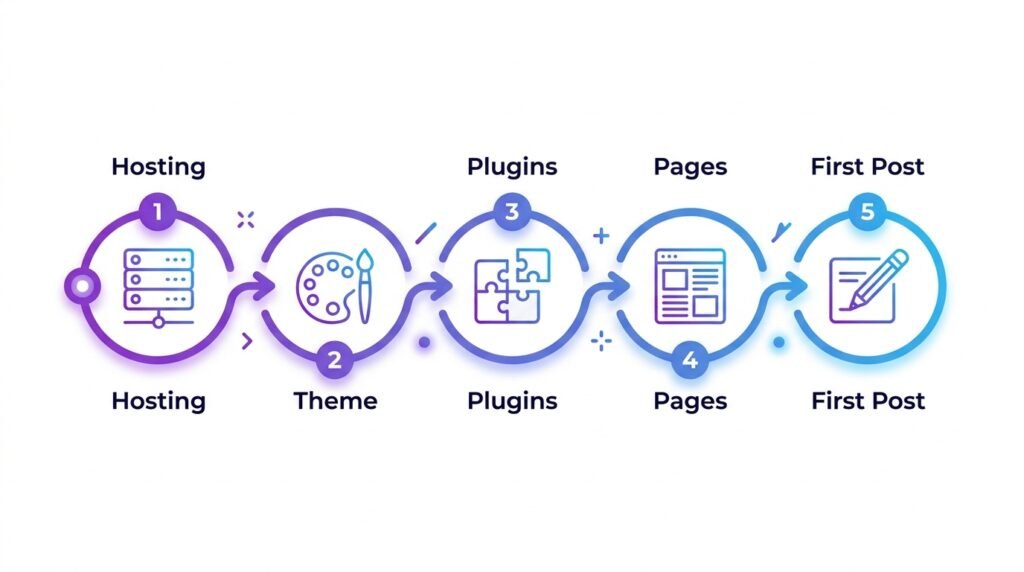
- The 5 steps I actually followed — hosting, theme, plugins, pages, first post
- The 4 essential plugins I installed on day one (and nothing else)
- What happened after I hit “Publish” (spoiler: nothing — and that’s fine)
- Three things I wish I knew before starting
Let’s do this.
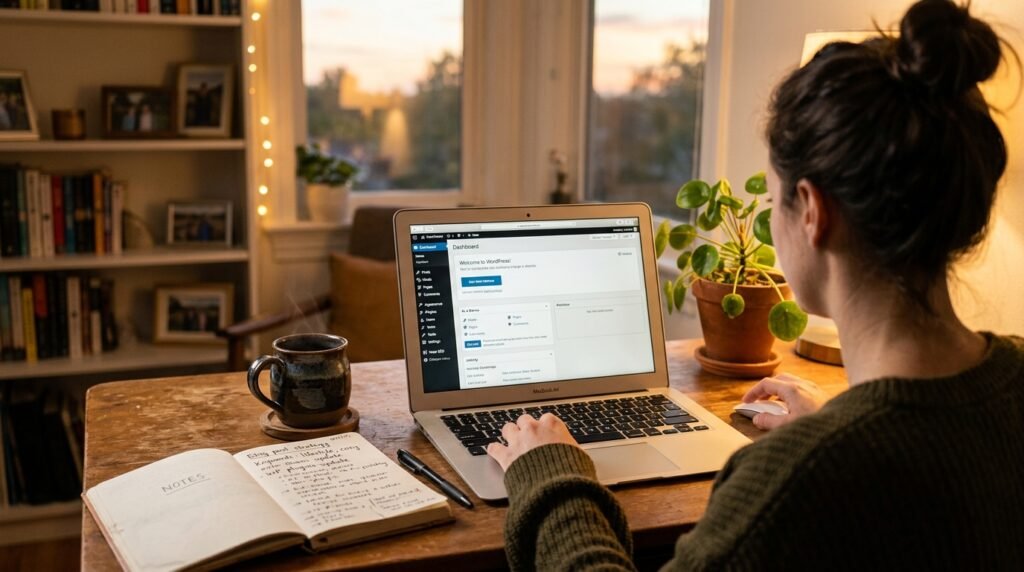
Why I Chose WordPress (And Why It Still Makes Sense)
Before WordPress, I tried website builders — Wix, Squarespace. They were easy, but I always felt trapped. It was like renting a tiny apartment with wallpaper I couldn’t change.
WordPress is different. It’s open source, which means you own your site — the files, the database, everything. You can move it to any host, install any theme, and never worry about a platform shutting down.
And the numbers back this up. WordPress powers 43% of all websites — according to WordPress.org, that number keeps growing. Meanwhile, W3Techs reports that WordPress is used by 62.8% of all sites with a known content management system.
That’s not just market share. That’s a community — millions of tutorials, thousands of themes, and a support forum where someone has already answered your question.
For a beginner, that matters more than any feature list.
The Fear That Stops Most Beginners
Let me be honest: my fear wasn’t about technology. It was about looking stupid.
I imagined hitting “Publish” and getting a comment like: “Ha, your site is slow and ugly.” I imagined friends visiting and silently judging the design.
However, here’s what changed everything for me — every expert started exactly where I was. Nobody woke up one day knowing PHP, CSS, and hosting configurations. They learned by doing, and by breaking things.
So I made a deal with myself:
I will build this site imperfectly. I will make mistakes. But I will finish it.
That single sentence changed everything. Because the goal wasn’t a perfect site — the goal was a finished site I could improve over time.
If you want to skip ahead and just install WordPress, see our Install WordPress in 10 Minutes guide. Otherwise, keep reading — here’s exactly what I did.
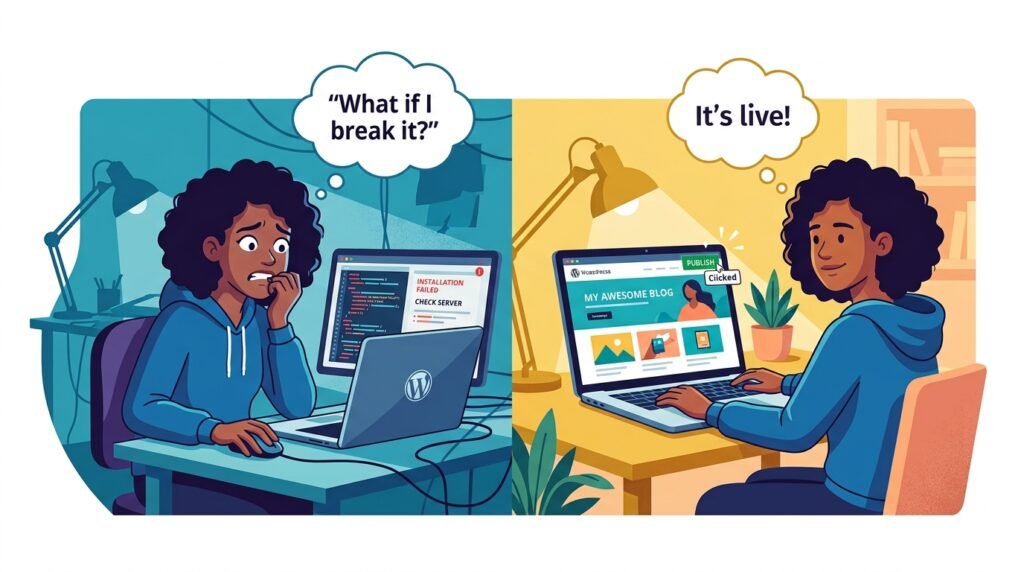
My 5-Step Path (The Real, Honest Version)
I’m not going to give you a 50-page technical manual. Instead, here’s the exact path I followed — 5 steps, roughly 2 weeks of evenings.
Step 1: Picked a hosting provider
I went with a managed WordPress host — SiteGround (Bluehost and Hostinger are also solid choices). It cost about $15/month and they installed WordPress for me automatically. No command line, no coding — just a few clicks.
If you’re unsure which host to pick, see our Choosing the Right Hosting guide — it compares shared, VPS, and managed options with real prices.
What I learned: managed hosting costs more than shared, but it saves hours of frustration. For a first site, that trade-off is worth it.
Step 2: Chose a theme (and tested three)
I tried three free themes:
- The first looked nice but loaded slowly on mobile
- The second was fast but looked broken on tablets
- The third — Kadence Theme — just worked
Kadence was fast, customizable, and didn’t require code. I could drag and drop elements with a simple builder. And importantly, the free version is powerful enough that I didn’t need to upgrade for months.
If you want the full walkthrough, see our Build a WordPress Homepage with Kadence guide — no coding required.
Step 3: Installed 4 essential plugins (and stopped there)
This is where most beginners go wrong. They install 20 plugins “just in case” and slow their site to a crawl. Instead, I installed only what I actually needed:
| Plugin | Purpose | Cost |
|---|---|---|
| Wordfence | Security + firewall | Free |
| RankMath | SEO (titles, sitemaps, schema) | Free |
| UpdraftPlus | Backups (scheduled daily) | Free |
| WP Rocket | Caching (site speed) | Paid, ~$59/year |
That’s it. Four plugins, no bloat. As a result, my site loaded in under 2 seconds on mobile from day one.
For a full recommended list, see our Must-Have WordPress Plugins guide.
Step 4: Created 4 pages (not 40)
Instead of designing every detail, I built only what mattered:
- Homepage — simple hero, brief intro, latest posts
- About — who I am, why I’m building this
- Blog — where the articles live
- Contact — a simple form using WPForms Lite
Before I built these pages, I set up the WordPress foundation correctly. First, I changed my permalink structure to /%postname%/ — this is critical for SEO. See our WordPress General Settings & Permalinks guide for the full setup.
Step 5: Wrote and published the first article
This one. I wrote it, read it twice, and hit “Publish” — before it was perfect.
Here’s the rule I follow: publish at 80% done, improve to 100% later. Waiting for perfect means never shipping.
If you’re stuck on your first post, see our How to Write Your First Blog Post guide — it walks through SEO basics, categories, and featured images.
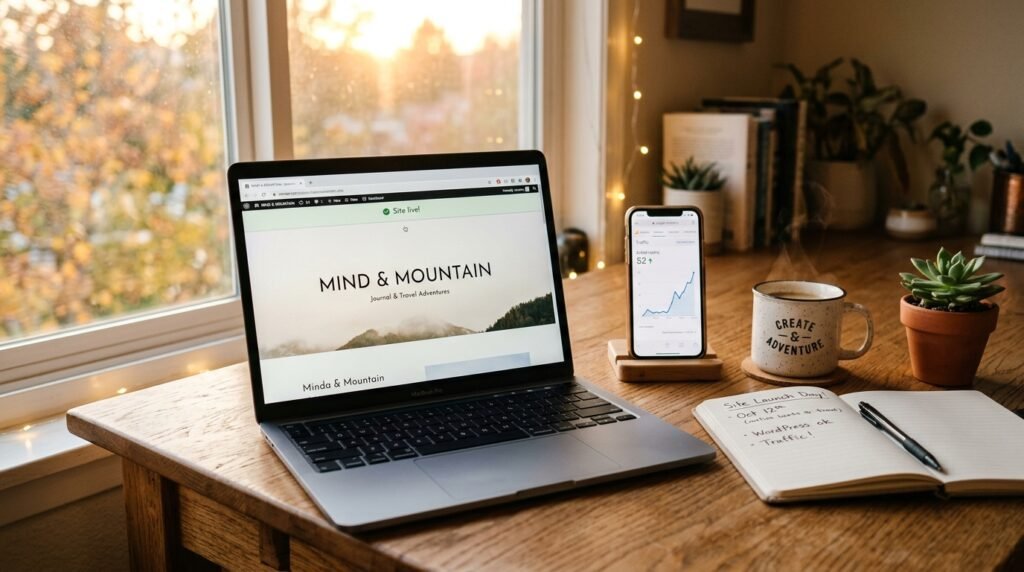
What Happened After I Hit Publish
Honestly? Nothing at first. Zero traffic. No comments. No fanfare.
However, something inside me shifted. I had a website — my website. I could share it with friends, link it from social media, and gradually improve it. As a result, within three weeks, my first Google search impressions appeared.
And you know what? Nobody laughed. Nobody said it was ugly. In fact, a few people asked: “Hey, this is cool — how did you do it?”
That’s when I realized: most people aren’t judging your site. They’re just happy you built something.
According to HubSpot research, 38% of visitors will leave a site if the layout is unattractive. But that stat doesn’t mean you need a perfect launch. It means you need to keep improving — not postpone.
3 Things I Wish I Knew Before I Started
Looking back, here’s what I learned the hard way.
1. Your first design doesn’t matter as much as you think.
You can change it later — in fact, you should. I redesigned my homepage three times in the first month. For example, my first version had a giant hero image that took 4 seconds to load. Removing it cut load time in half.
2. Speed matters more than fancy animations.
A fast, clean site beats a slow, beautiful one every time. Test yours with Google PageSpeed Insights — if it’s below 80 on mobile, fix that before adding more features.
3. Content is king, but consistency is queen.
One article won’t change your life. Publishing regularly will. In practice, two posts per week for three months does more than ten posts in one weekend and then silence for a month.
You Don’t Need to Be a Developer
That’s the beauty of WordPress today. You don’t need to touch a single line of code to build a professional-looking website.
You need three things:
- A little patience — the setup takes 2–3 evenings, not 2–3 months
- Willingness to learn — every problem you’ll hit has already been solved on a forum
- The courage to hit “Publish” — even when you’re not 100% ready
And if I can do it — someone who once deleted the wrong file and crashed their own site — then you absolutely can.
Once your site is live, the next challenge is getting people to find it. See our How to Get Your First 100 Readers guide for the exact tracking setup and traffic sources that worked for me.
Frequently Asked Questions
Q1: How long does it take to build a WordPress site from scratch?
For a first site, plan on 2–3 weeks of evenings (about 10–15 hours total). However, you can have a basic site live in a single weekend if you focus on essentials — hosting, theme, 4 plugins, 4 pages. Everything else is optimization.
Q2: Do I really need hosting, or can I use WordPress.com for free?
WordPress.com is a hosted version with limitations — you can’t install custom plugins or themes on the free tier. For a self-hosted WordPress site (which is what “WordPress” means in most tutorials), you need hosting. See our Choosing the Right Hosting guide for the comparison.
Q3: What’s the minimum monthly cost to run a WordPress site?
About $15–$20/month for a beginner site:
- Hosting: $10–15/month (managed)
- Domain: ~$12/year
- Plugins: $0 (all free) or ~$59/year (WP Rocket)
- Total: roughly $180–$250/year
Q4: Can I build a WordPress site without knowing code?
Yes — that’s the entire point of this article. For example, everything I built used visual editors (Kadence blocks, WordPress block editor). The only code I touched was copying a Google Analytics snippet — and even that has plugins that do it for you.
Q5: What if I break something while learning?
You will. And it won’t matter — as long as you have backups. This is why UpdraftPlus was in my day-one plugin list. In practice, I broke my site twice in the first month. Both times, I restored from a backup in under 10 minutes.
Q6: Should I choose WordPress.org or WordPress.com?
Almost always WordPress.org (self-hosted). It gives you full control, custom plugins, and ownership of your content. WordPress.com is a hosted service with tier limitations. The naming is confusing, but the community has settled on WordPress.org for serious sites.
Q7: How do I get my first visitors?
Traffic comes from three places for a new site: search engines (slow, 3–6 months), social media (fast, but volatile), and direct sharing (fast, but limited). See our How to Get Your First 100 Readers guide for the full breakdown.
Key Takeaways
- WordPress powers 43% of the web — the ecosystem is unmatched for beginners
- You need 5 things: hosting, a theme, 4 essential plugins, basic pages, and one published post
- Managed hosting ($15/month) saves hours — worth it for a first site
- Install only 4 plugins on day one: security, SEO, backup, caching
- Publish at 80% done — waiting for perfect means never shipping
- Backups are non-negotiable — you will break something while learning
- Consistency beats intensity — 2 posts/week for 3 months > 10 posts in one weekend
Ready for the Next Step?
This is just the beginning. Over the next few weeks, I’ll cover:
- Which hosting to choose (and which to avoid) — see the full hosting guide
- How to speed up WordPress without expensive plugins
- The best free themes for different types of sites
- How to write posts that people actually want to read — see the first blog post guide
You don’t have to be an expert. You just have to start.
Let’s build something together.
P.S. Got a question about starting your first site? Leave a comment below — I read every single one and I’ll answer as honestly as I can.
Related Reading
- How to Get Your First 100 Readers — the traffic playbook for new sites
- How to Build an Email List from Day One — turn visitors into subscribers
- How to Monetize Your WordPress Blog — realistic ways to earn your first $100
- WordPress Block Patterns & Reusable Blocks — build pages 2× faster
- Advanced Gutenberg Custom CSS — when you’re ready to customize further
- WooCommerce Security & Performance — if you plan to add a shop